
Keyboard Layout Test guide
A keyboard layout test is different from a dead-key test. The key may register correctly, but the printed legend, system layout, or platform label may not match the character you expect.
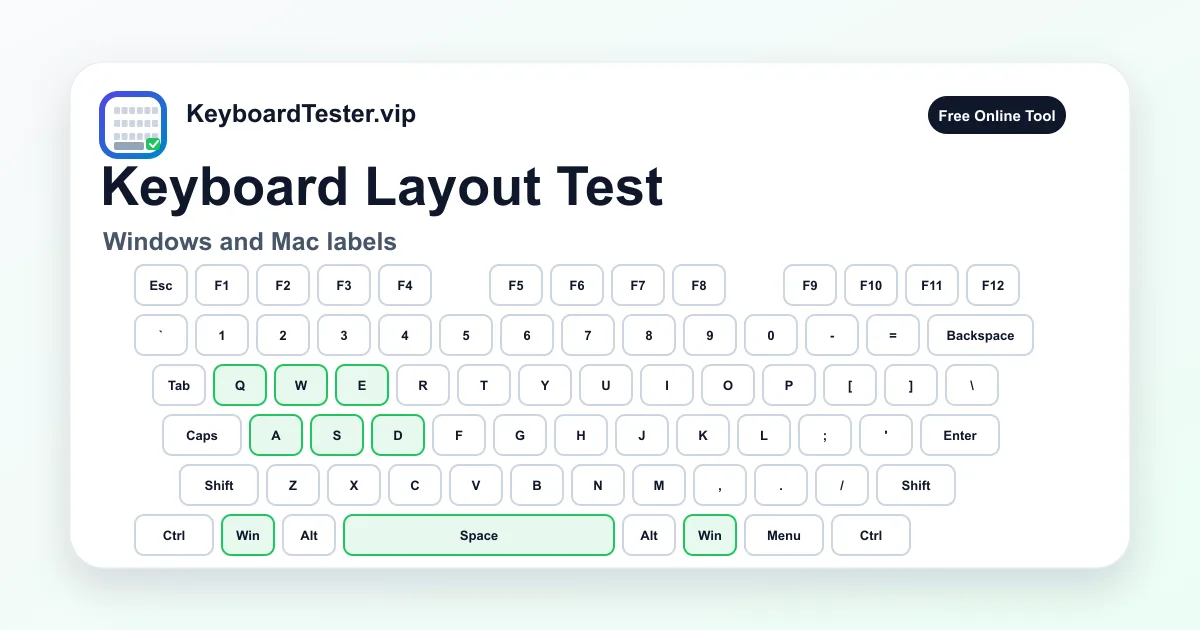
This page lets you switch between Windows and Mac-style labels while keeping the same physical input map. That makes it easier to separate hardware detection from layout configuration.
Quick diagnostic checklist
- Switch the layout label between Windows and Mac modes.
- Test symbol keys such as brackets, slash, minus, equals, and semicolon.
- Compare left/right Alt, Win, Ctrl, Command, and Option positions.
- Check operating system language and keyboard layout if symbols mismatch.
Common layout mismatch symptoms
Layout mismatch often appears as wrong symbols, swapped modifier labels, or shortcuts that feel backwards after moving between Windows and Mac. The physical key works, but the software interpretation is different.
Regional layouts can also move punctuation or add keys. If your keyboard is ISO, ANSI, JIS, or a compact laptop layout, compare the physical shape before assuming the key is defective.
Hardware versus operating system layout
The browser receives key codes and key values from the operating system. If the key position lights up but the text output is wrong in apps, the likely fix is in language/input settings, not hardware repair.
Run a normal every-key pass first, then change the OS keyboard layout and repeat the problematic symbols. A consistent change confirms a configuration issue.
FAQ
Can this detect ANSI versus ISO layouts?
It can help you compare visible key positions, but the current visualizer is optimized for a full-size ANSI-style reference layout.
Why does my Mac keyboard show different modifier names?
Mac keyboards use labels such as Command and Option where Windows keyboards use Win and Alt. The toggle helps match those labels visually.
What should I check if symbols type wrong characters?
Check your operating system language, input method, and keyboard layout before replacing hardware.