
Double Type Test Guide for Keyboard Chatter
A double type test checks whether one physical key press becomes two or more browser keydown events. That failure is usually called keyboard chatter, key bounce, double typing, or duplicate key registration. It is different from holding a key down, because browser auto-repeat is ignored by this page.
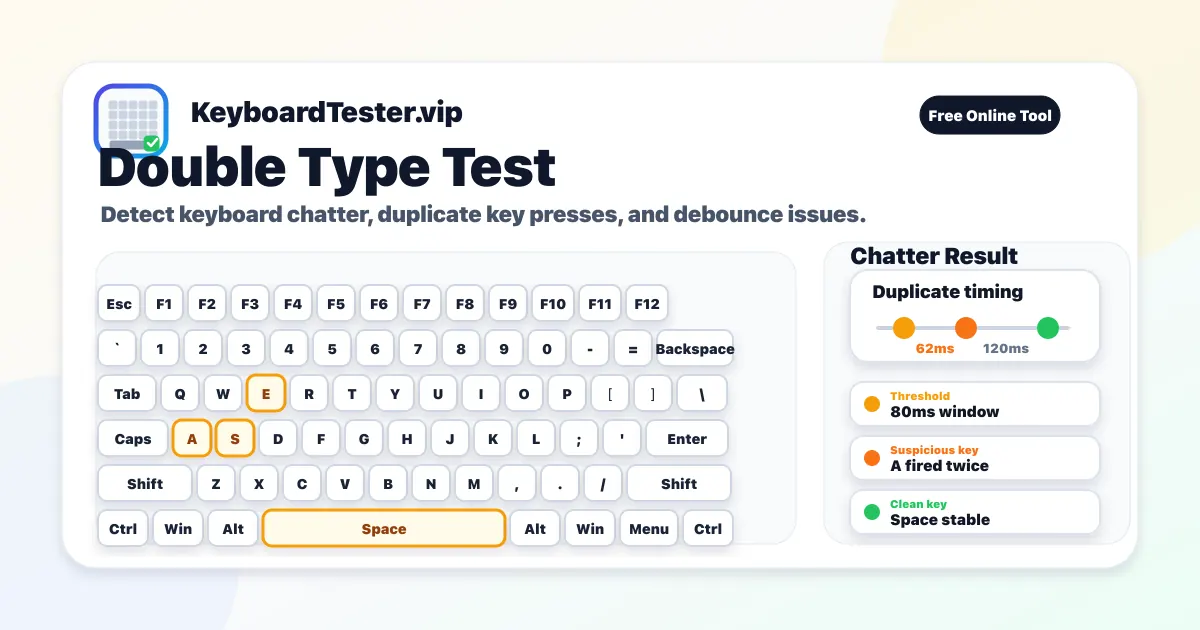
Use the live double type test above when you see words like "heello," passwords with extra letters, code with duplicated characters, or game inputs that trigger twice. The tool watches the time gap between two presses of the same key. If that gap is shorter than your selected threshold, the key is counted as suspicious and added to the ranked list.
The goal is not to punish fast typing. A good double type test should help you repeat a controlled pattern, compare keys under the same conditions, and decide whether the problem is hardware, firmware, software, or normal human input. That is why this page includes threshold guidance, tap-count advice, and next-step interpretation instead of a simple pass or fail label.
How to run a reliable double type test
- 1
Click inside the page once so the browser has focus before testing.
- 2
Pick one suspect key and tap it 20-30 times with a consistent rhythm.
- 3
Keep the threshold at 80ms for the first pass, then repeat at 60ms and 100ms.
- 4
Compare the suspect key with a nearby healthy key using the same tap count.
- 5
Record the duplicate count and minimum gap before cleaning or changing settings.
- 6
Retest after each fix so you know which action actually reduced chatter.
Choosing the right chatter threshold
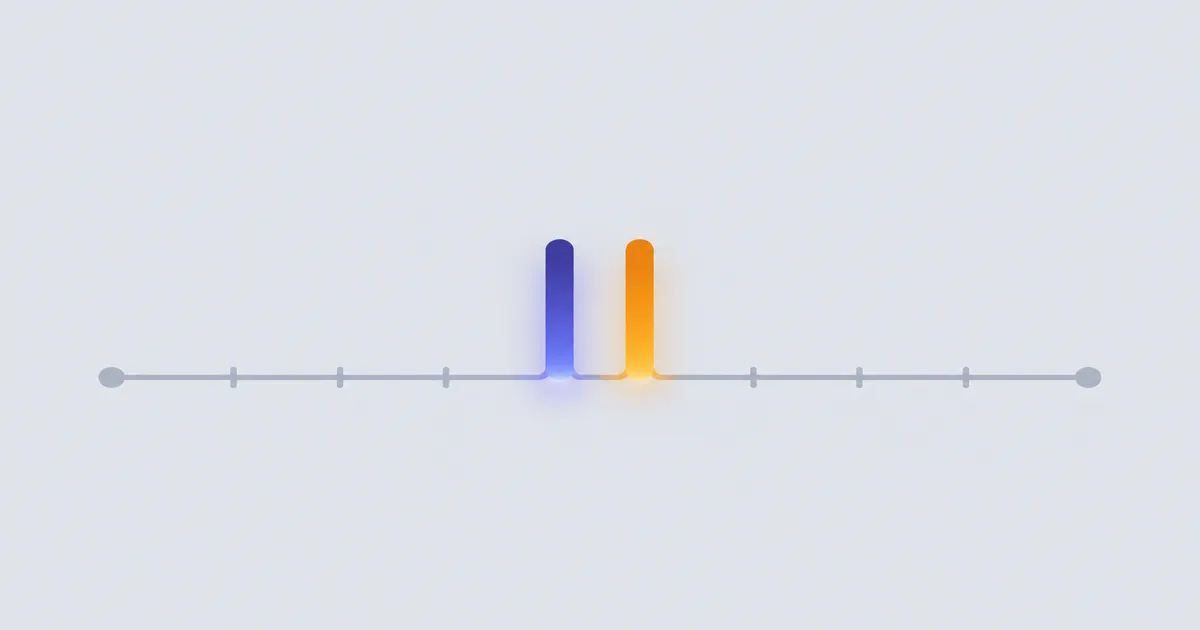
Threshold controls how close two presses can be before the double type test treats them as suspicious. A lower value is stricter and reduces false positives. A higher value is more sensitive and can reveal intermittent key bounce that only appears during normal typing.
60ms
Strict confirmation
Useful when you want to avoid false positives from naturally fast repeat taps.
80ms
Recommended start
A practical default for most mechanical keyboards and normal troubleshooting sessions.
100ms
Sensitive scan
Helpful when a key feels wrong in real typing but only produces occasional duplicate events.
How to interpret double type test results
| Result | Meaning | Next step |
|---|---|---|
| Zero duplicate events after 30 taps | The key looks stable at the selected threshold. | Repeat once more if the key caused real typing errors before you tested it. |
| One or two events in a long run | This may be an early chatter sign, a very fast intentional tap, or software noise. | Retest at 60ms and 100ms, then compare another key with the same rhythm. |
| The same key ranks high every round | This is the strongest signal that the switch or socket needs cleaning, tuning, or replacement. | Document the key name, threshold, and count before changing hardware or firmware. |
| Many unrelated keys trigger duplicates | A global setting, driver, remapper, firmware issue, or unstable connection may be involved. | Close keyboard utilities, test wired mode, and repeat the double type test in another browser. |
Common causes of keyboard double typing
Switch contact bounce
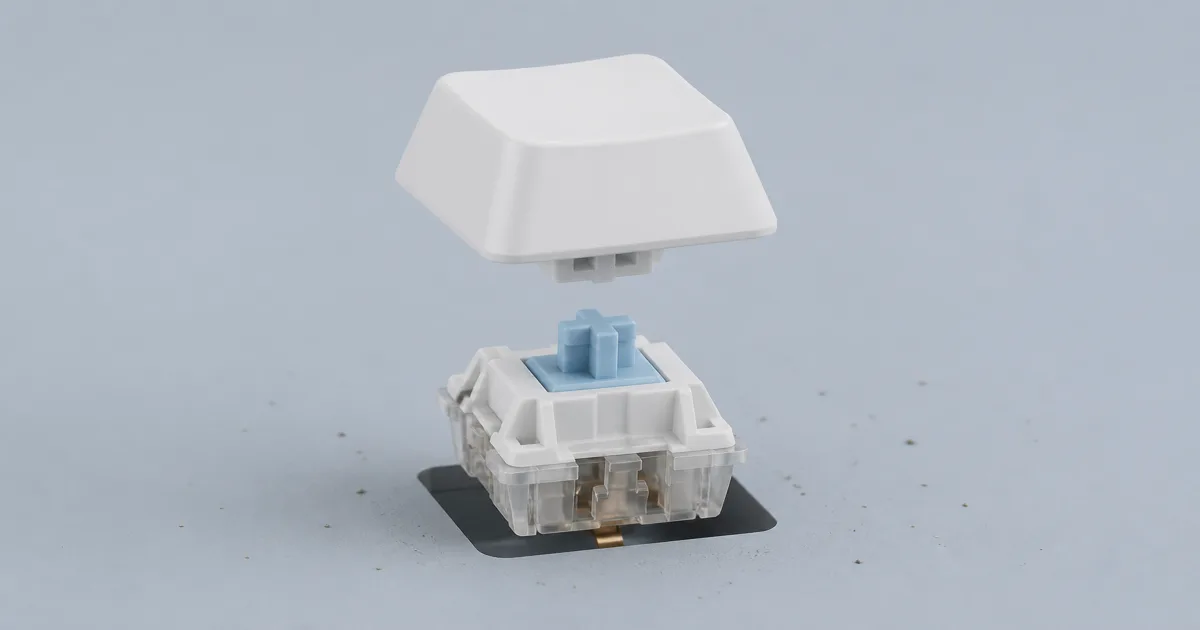
Mechanical contacts can oscillate during one press, producing multiple electrical closures before settling.
Dust, moisture, or residue
Debris inside a switch can make one key inconsistent while the rest of the keyboard still looks healthy.
Debounce or firmware settings
Aggressive firmware settings may accept extra transitions too quickly, especially after custom firmware changes.
Software interception
Macro tools, accessibility settings, remappers, and remote desktop layers can create duplicate-looking input.
How to separate chatter from normal repeat input
Normal repeat input happens when a key is held down and the operating system starts repeating it. This page ignores repeat events, so the double type test is looking for separate keydown events that arrive too close together. If your duplicate letters happen only while holding a key, inspect system repeat settings instead.
Also test outside your usual app. Browser extensions, password managers, game overlays, terminal software, remote desktop sessions, and macro utilities can all intercept keystrokes. If the same key fails in this double type test, in a plain text editor, and in another browser, the evidence for a real switch or firmware problem is much stronger.
Fix order after a key fails the double type test
- 1
Remove the keycap and clear dust with air or a soft brush.
- 2
Test wired mode if the keyboard is wireless or low on battery.
- 3
Disable remappers, macros, accessibility filters, and vendor profiles temporarily.
- 4
Update firmware, then repeat the exact same threshold and tap count.
- 5
Adjust debounce only if your keyboard firmware supports it and you understand the tradeoff.
- 6
Swap or replace the switch if one key stays bad while nearby keys remain clean.
When to use another keyboard test
If a key never appears at all, run the main Keyboard Tester before focusing on chatter. If multiple keys fail only when pressed together, use the Keyboard Ghosting Test. The double type test is specifically for keys that register, release, and then appear to register again too quickly.
FAQ
What does a double type test detect?
A double type test detects keyboard chatter, key bounce, and fast duplicate keydown events where one physical press behaves like two or more presses.
What threshold should I use first?
Start with 80ms, then compare at 60ms and 100ms. A key that stays problematic across all three settings is usually a genuine chatter candidate.
Can long key holds inflate double events?
No. Browser auto-repeat events are excluded, so the counter focuses on distinct fast keydown triggers rather than held-key repeats.
How many taps are enough for a reliable chatter check?
Use at least 20-30 rapid taps on one key, then repeat 2-3 rounds. Repeated high counts across rounds are a stronger chatter signal.
Can OS keyboard settings or software cause duplicate letters?
Yes. Accessibility repeat settings, macro tools, input remappers, remote desktop tools, or buggy drivers can mimic chatter.
Why does only one key chatter while others are stable?
Single-key chatter is commonly caused by localized switch wear, dust, oxidation, lubricant contamination, or solder/socket contact issues.
Can cleaning fix double typing without replacing switches?
In many cases, yes. Cleaning debris and improving switch contact can reduce chatter. Always retest after cleaning with the same threshold and tap count.
Should I replace my keyboard immediately?
Not always. Try cleaning, firmware updates, debounce adjustments, and switch replacement first. Replace only when duplicate behavior remains stable over repeated tests.
What is keyboard chatter?
Keyboard chatter is when one physical press creates two or more key events. You see extra letters, a command that fires twice, or a game action that repeats. This double type test measures how close those events are so you can tell chatter from a held-key repeat.
Is keyboard chatter the same as ghosting?
No. Chatter is one key firing twice. Ghosting or blocking is a multi-key problem: a combo drops a key or adds a phantom key. Use this double type test for duplicate letters. Use the Keyboard Ghosting Test when keys fail only while several keys are held together.
How do I fix keyboard chatter or debounce it?
Start with cleaning and a cable test. If the keyboard has firmware, VIA, or QMK, a small debounce increase can hide bounce, but it does not repair a worn switch. Retest here at the same threshold after each change. If one key stays bad, swap that switch. If many keys chatter, inspect firmware, drivers, and the connection before replacing the whole board.
Can a laptop or membrane keyboard double type?
Yes. Chatter is discussed most on mechanical boards, but laptop, scissor, and membrane keyboards can also send two events from one press when contacts are dirty, worn, or unstable. Use the same 20-30 tap check on the suspect key.