
Key Tester guide
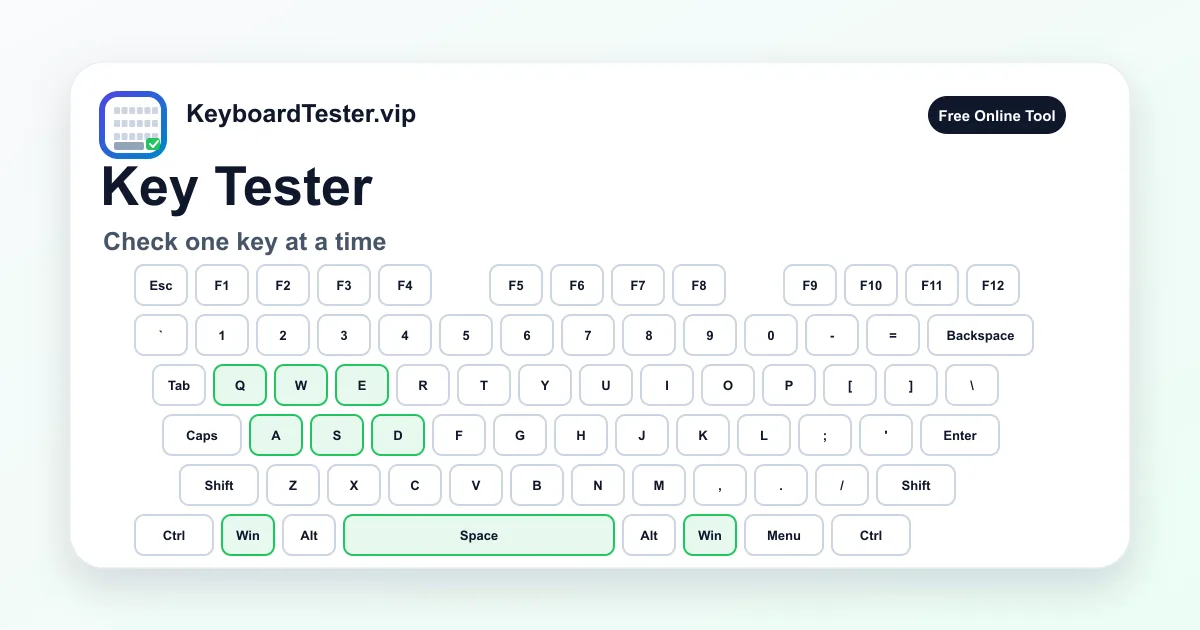
A key tester is useful when you already suspect one key. Instead of running a full board check first, press the problem key repeatedly and watch whether it lights up, disappears, or produces the wrong label.
The live keyboard view also helps compare a suspect key with neighboring keys. If one key behaves differently while nearby keys remain stable, you have a clearer repair target.
Quick diagnostic checklist
- Press the suspect key slowly 10 times and confirm every press appears.
- Compare it with the same row or same-sized key nearby.
- Test with and without modifiers such as Shift or Ctrl.
- If it duplicates, continue with the double type test.
What one-key failures usually mean
A single key failure usually points to debris, switch wear, a damaged scissor mechanism, a hot-swap socket issue, or a solder joint problem. Laptop keyboards can also fail from membrane or ribbon cable damage.
If the key works only at certain angles or only when pressed hard, the fault is more likely mechanical than software. If it works in some apps but not others, check shortcuts, keyboard layouts, and app-level keybinds.
Why repeated testing matters
One successful press does not prove a key is stable. Run multiple slow presses, then a short burst of normal typing speed. Inconsistent behavior is often more important than a single miss because intermittent faults return under real use.
After cleaning or replacing a switch, repeat the same key tester routine. Matching the same sequence before and after repair makes improvement easier to verify.
FAQ
Can a key tester detect sticky keys?
It can show whether the key stays active or fires inconsistently, but physical stickiness still requires visual and mechanical inspection.
Why does my key work here but not in a game?
The game may use its own keybind, anti-cheat layer, or focus behavior. Recheck the binding and test the same key in another app.
Should I test after removing a keycap?
Yes. Test before and after cleaning so you know whether the maintenance actually changed input behavior.