
Keyboard Keys Not Working guide
When keyboard keys are not working, the first step is to identify the pattern. One dead key, a whole row, intermittent misses, and wrong characters each point to different causes.
Use the live tester to confirm what the browser can see, then follow the checks below to separate hardware, connection, layout, and software problems.
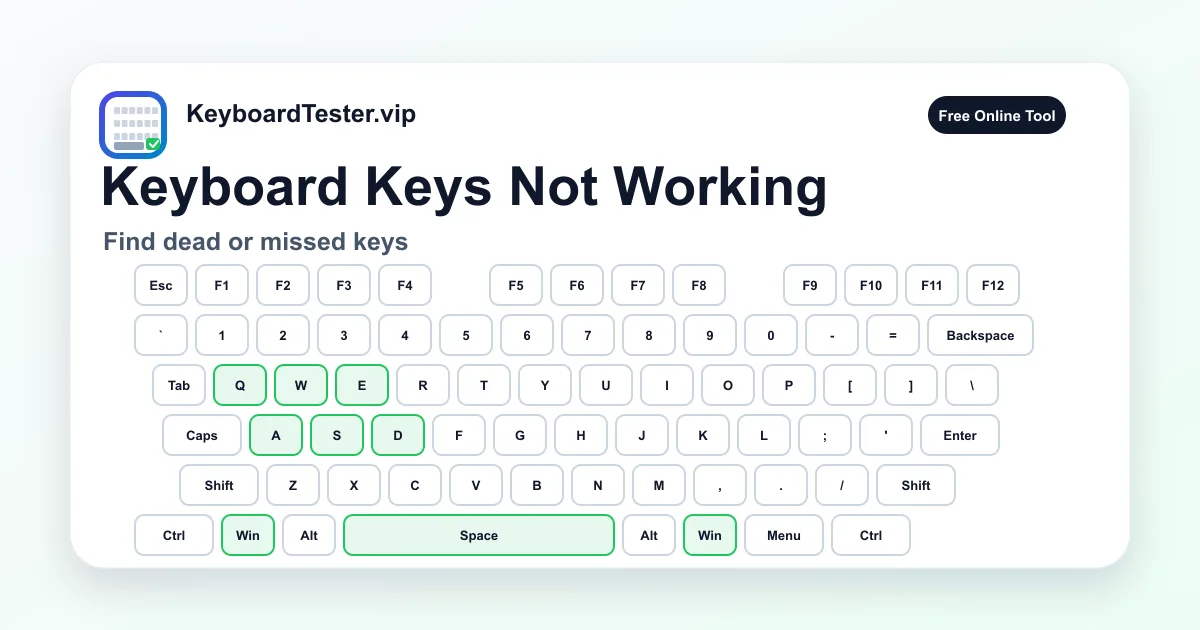
Quick diagnostic checklist
- Reconnect the keyboard or test a different port.
- Try wired mode if the keyboard is wireless.
- Check whether the issue is one key, one row, or one cluster.
- Test in another app after the browser check.
Read the failure pattern first
A single failed key usually points to debris, switch wear, or local contact damage. Several keys in a row or column may point to matrix, ribbon, liquid, or PCB damage.
If all keys stop working, check connection, battery, pairing, USB hub, and system input settings before focusing on individual switches.
Software issues that look like broken keys
Keyboard layout changes, accessibility features, remapping tools, remote desktop sessions, and game overlays can make keys appear broken. The online tester gives you a baseline outside most app-level shortcuts.
If a key appears here but not in one app, the app or shortcut configuration is probably the cause. If it fails everywhere, inspect hardware and drivers.
FAQ
What should I do first when several keys stop working?
Check the pattern, reconnect the keyboard, and test in wired mode if possible. A grouped failure often has a different cause than one dead key.
Can liquid damage cause delayed key failure?
Yes. Corrosion can create intermittent or spreading failures over time, especially on laptop membranes and keyboard PCBs.
When should I replace the keyboard?
Replace it when cleaning, reconnecting, layout checks, and repeat testing show the same failure consistently.